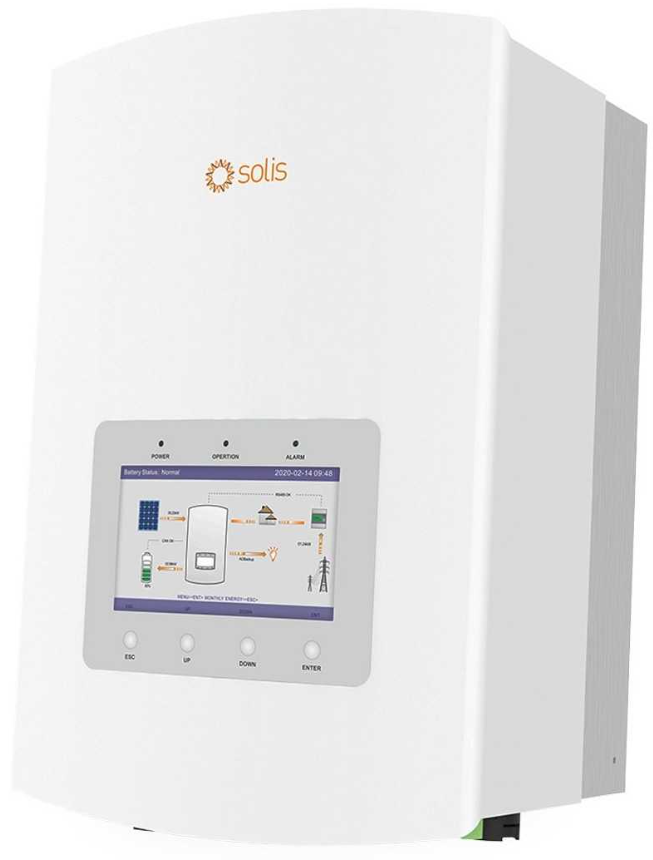
Power management
Accessing the power management section
To open the power management section of your device, select the tab as displayed in the screenshot below.

Inverter power management settings
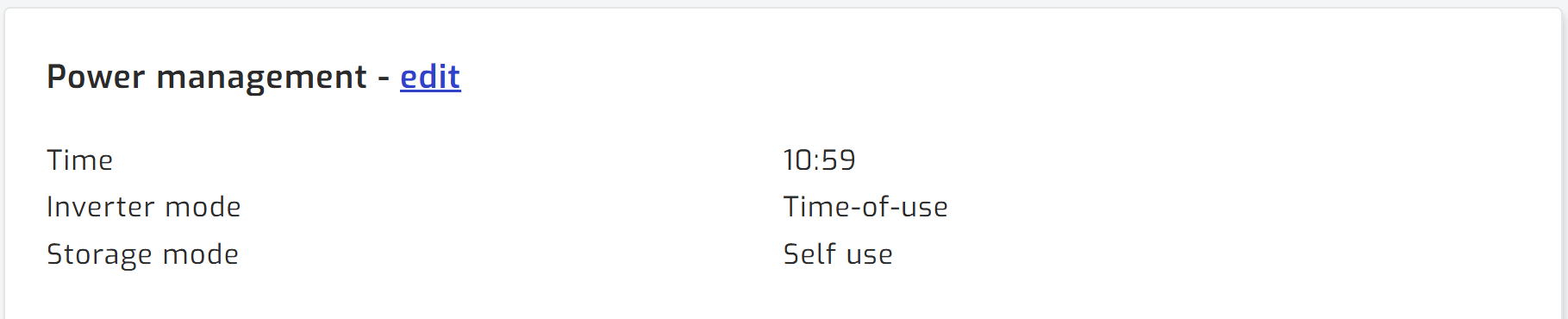
The inverter decides how to utilize solar, grid and battery based on the inverter mode and storage mode settings as described in the manual. This remains the primary way of controlling how your inverter manages power. For advanced users that would like to have more detailed control, SolarAssistant has automations available which can set inverter settings based on various conditions.
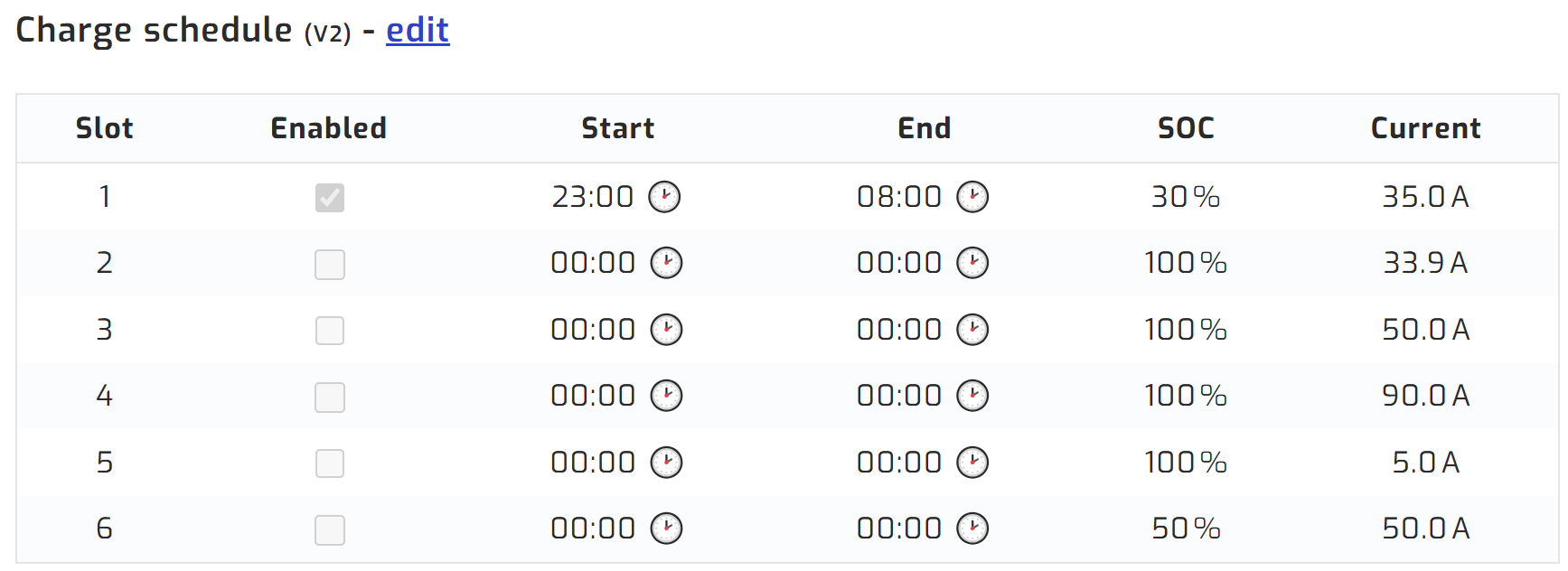
Charge schedule
There is also a Charge schedule table available on the power management page. This also works the same way it would in the native software. You can set up to 6 time slots, each with its own SOC target and charge current, to force the battery to charge from the grid.
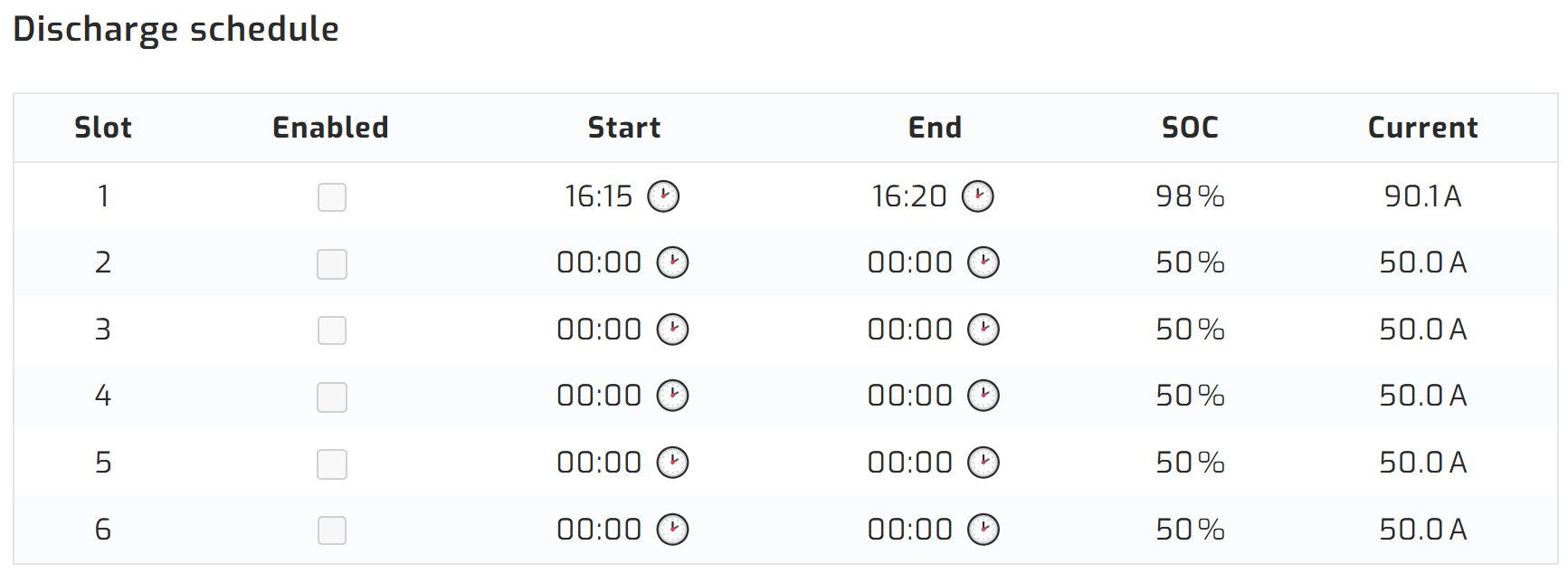
Discharge schedule
The Discharge schedule table works the same way, letting you set up to 6 time slots that force the battery to discharge, down to a set SOC target and current.
Automation example
In some solar installations, the inverter cannot communicate directly with a lithium battery via a communication cable. This means the inverter cannot determine the battery’s state of charge. SolarAssistant bridges this gap by reading the battery state of charge itself and then automatically adjusting the inverter’s settings based on both the time of day and the battery’s charge level. The result is that the system functions as if the inverter had direct battery communication, even though it does not.