Connecting a Revov battery
Revov R100, B100
Use the BSL Bull / Hubble AM RS232 cable. Select the USB to Serial protocol in SolarAssistant. SolarAssistant and an inverter can read the battery at the same time.
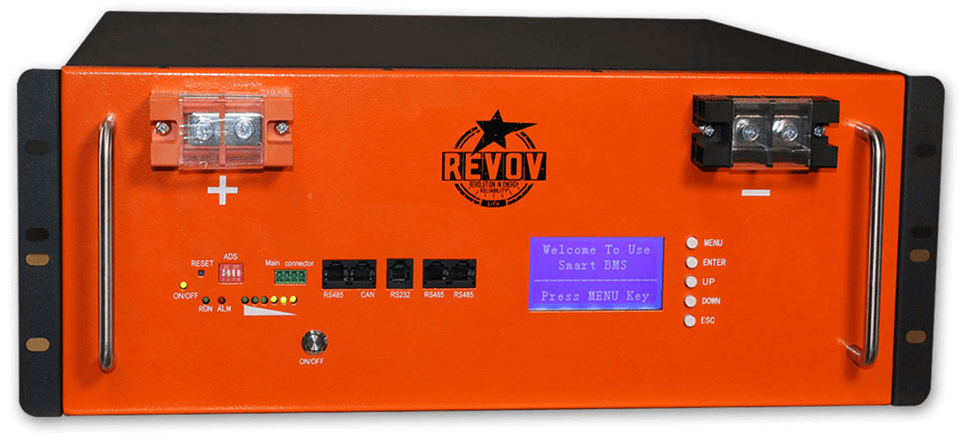
Revov R9/C8 - CAN BMS or Pace BMS
This battery has a telephone size RS232 port similar to the R100 above.
Use the BSL Bull / Hubble AM RS232 cable. Select the USB to Serial protocol in SolarAssistant. SolarAssistant and an inverter can read the battery at the same time.

Revov R9/C8 - DR BMS
Support for this battery is under development. SolarAssistant battery metrics will be erratic and incorrect for the time being.
This battery does not have a RS232 port. Use our Shoto/Dyness RS485 cable. Select the USB to Serial protocol in SolarAssistant. If an inverter is already reading it via CAN or RS485, then SolarAssistant can not read it at the same time.

Revov R9/C8 - 1st Generation
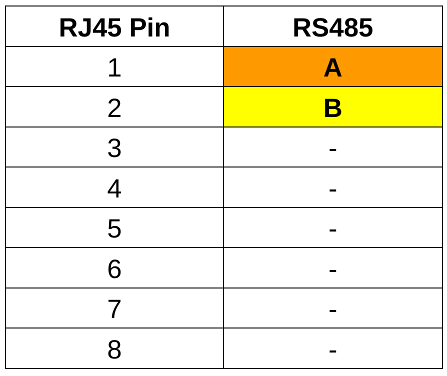
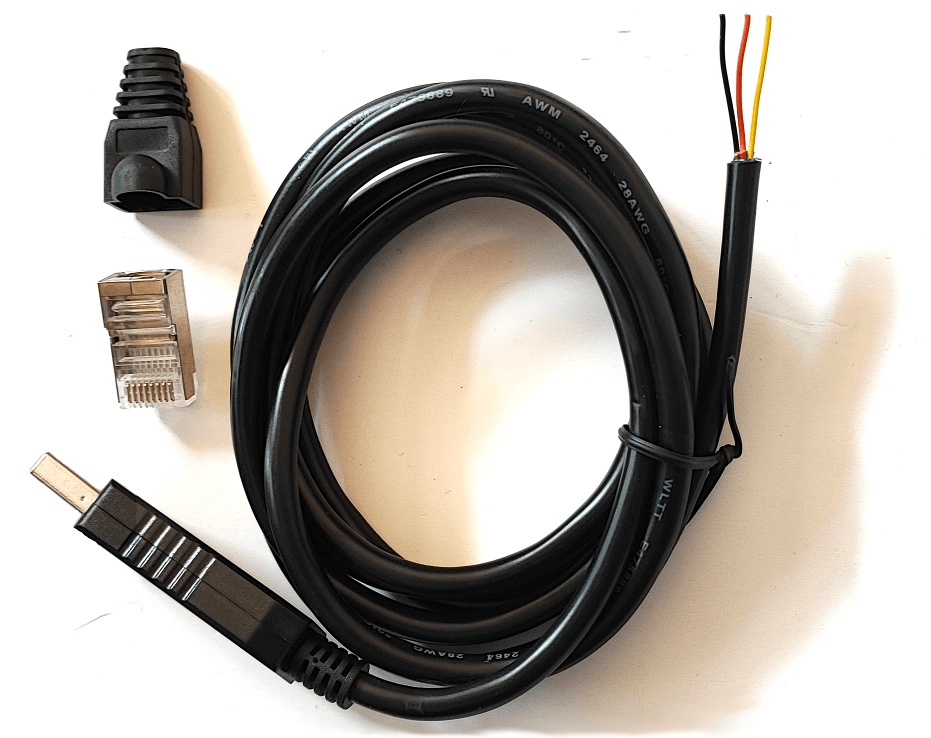
This battery only has a COM IN and COM OUT port. We sell a ready made cable for this battery. Use our RS485 Luxpower cable, since is is crimped in a way that works for this unit as well. Select the USB to Modbus protocol in SolarAssistant. If an inverter is already reading it then SolarAssistant can not read it at the same time.

Result
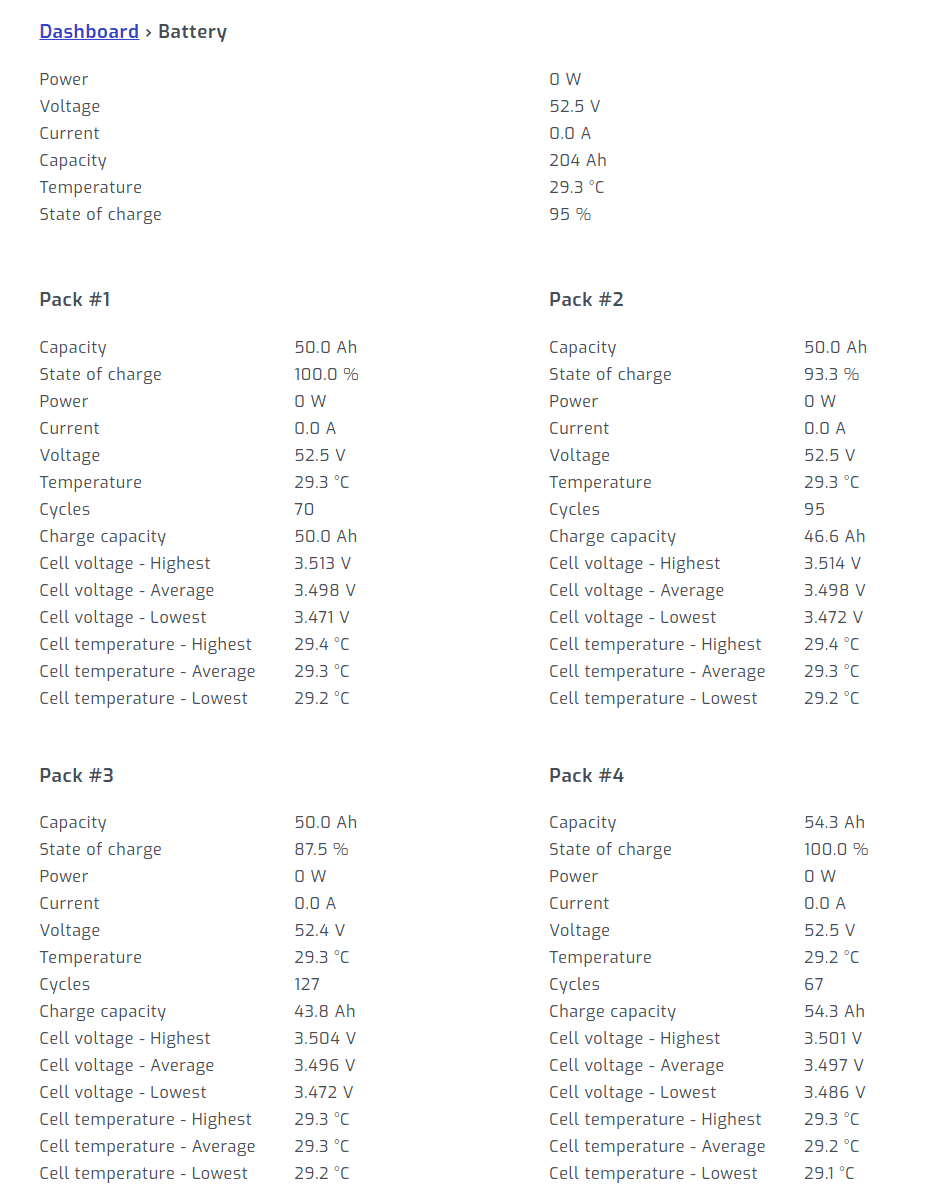
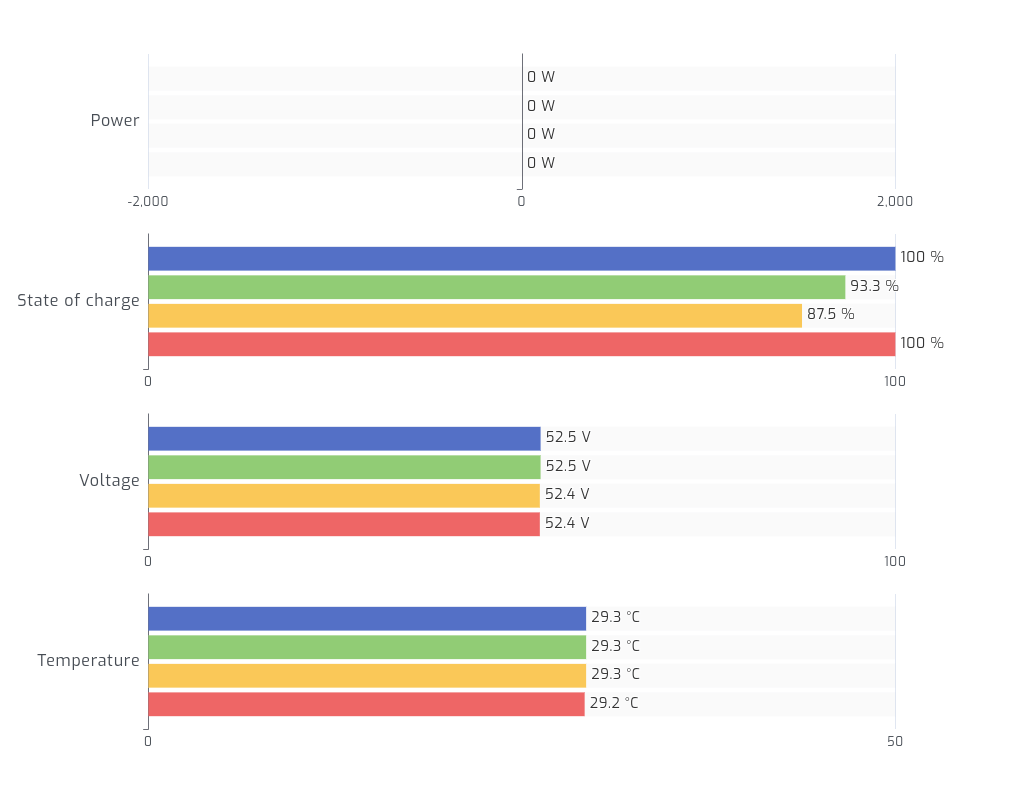
Once you press connect in SolarAssistant, you should see each pack show up under the battery section.