Step 1 - Navigate to inverter settings
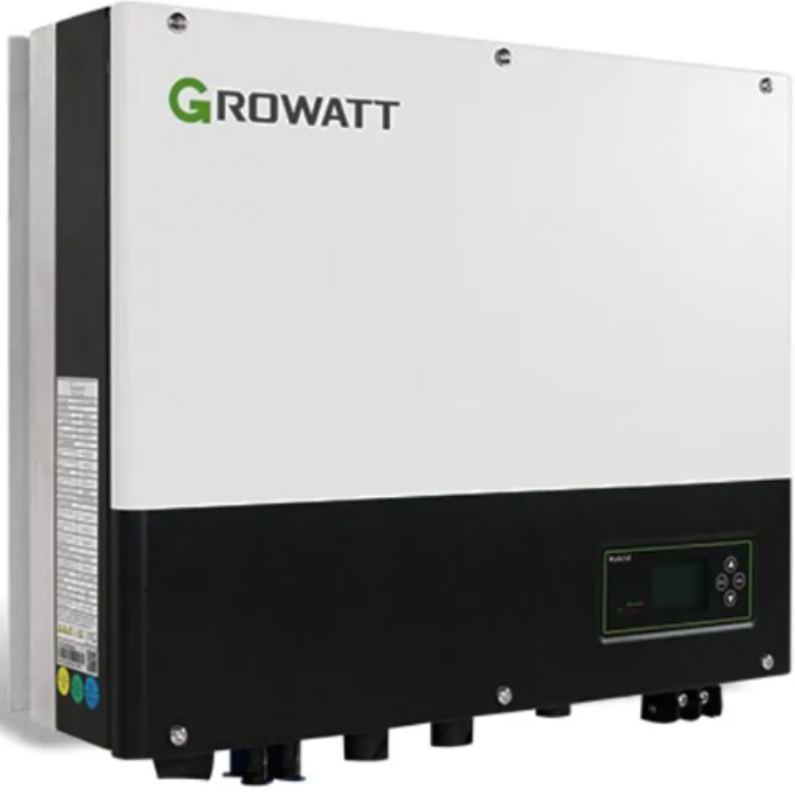
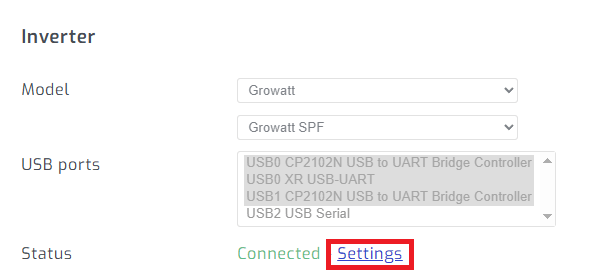
On the configuration tab, navigate to the inverter settings page.
Step 2 - Enter edit mode
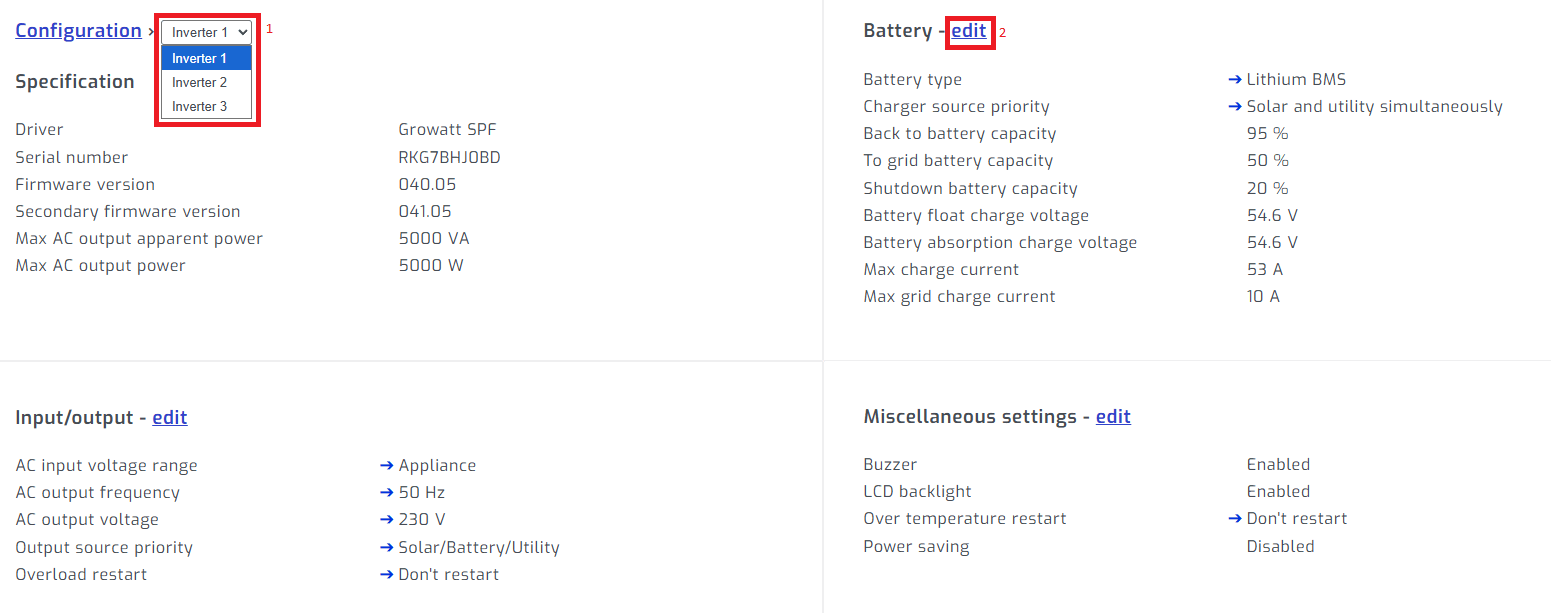
If you have parallel inverters, select the inverter. Select edit on section you would like to edit.
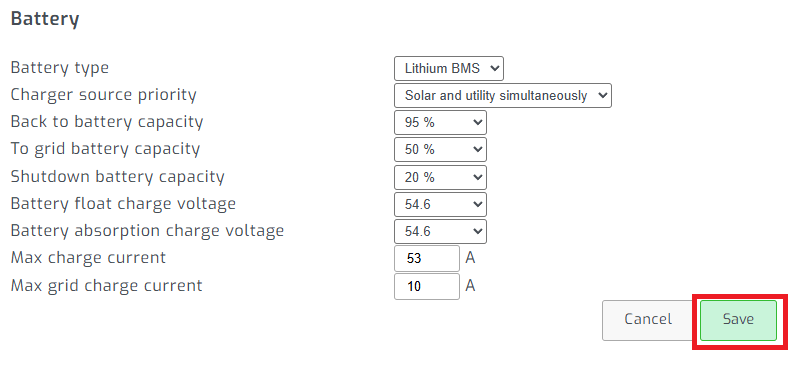
Step 3 - Change setting and save
Change the setting you would like to adjust and press save.