Home Assistant - Energy dashboard
Introduction
SolarAssistant provides energy usage metrics in the correct format for the Home Assistant Energy dashboard. You
can supply them with either integration: the official integration
exposes the energy totals as kWh sensors, and the
MQTT integration publishes the same metrics over MQTT. Set up one of
these first, then follow the steps below to complete the energy dashboard wizard.
The kWh totals are period-to-date, not lifetime counters. They start again from zero on the schedule
set under Configuration › System › Reset energy totals on your SolarAssistant unit,
weekly by default. Home Assistant handles the reset for you, so the energy dashboard still shows a continuous
history.
Step 1 - Complete the Energy dashboard setup wizard
Open the energy dashboard to start a setup wizard of selecting all energy usage metrics. Alternatively you can find it under settings › dashboards › energy
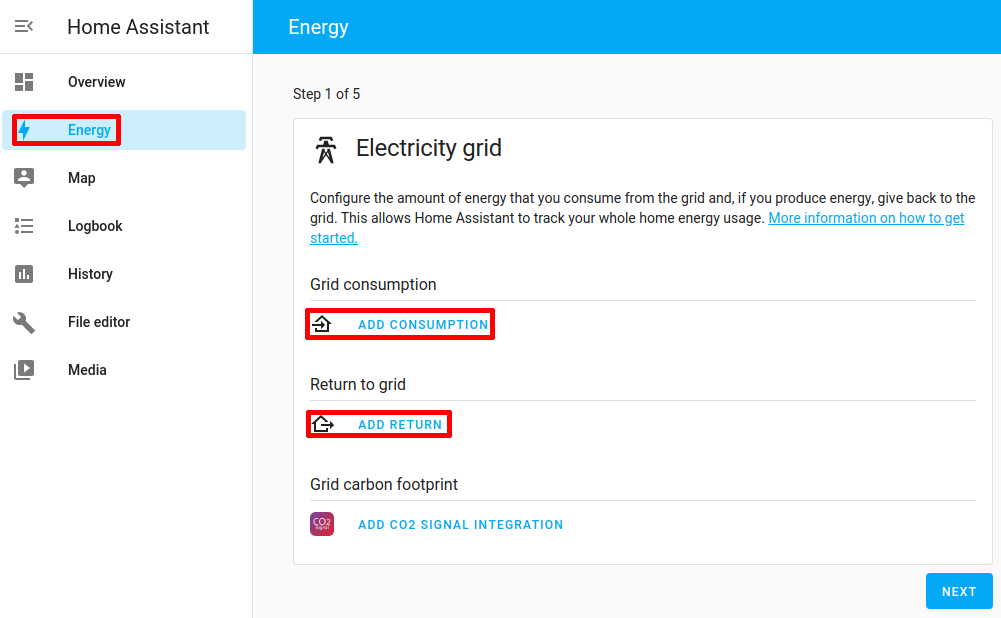
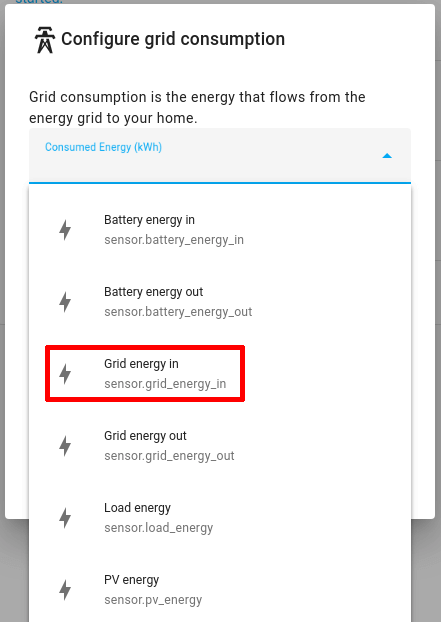
Select the grid consumption and export metrics.
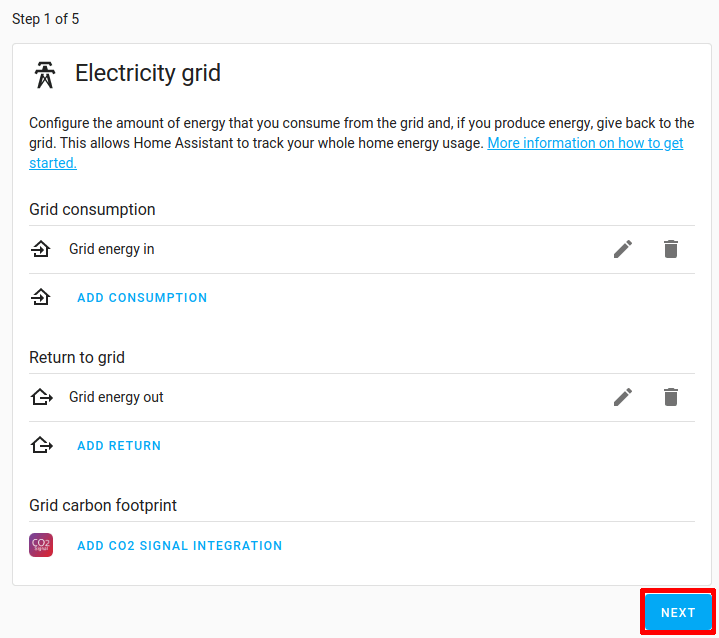
Select "next".
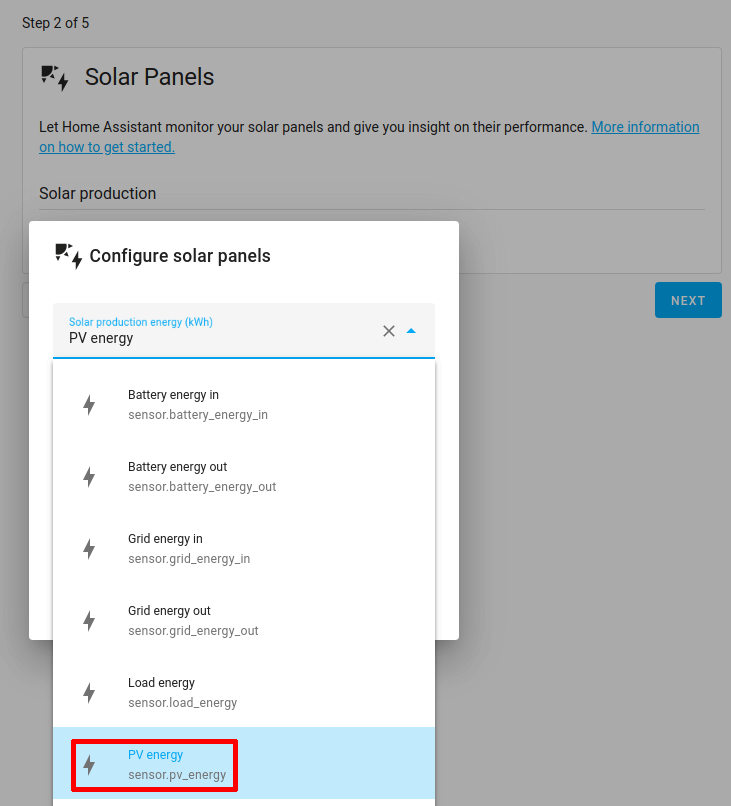
Select the solar PV generation metric.
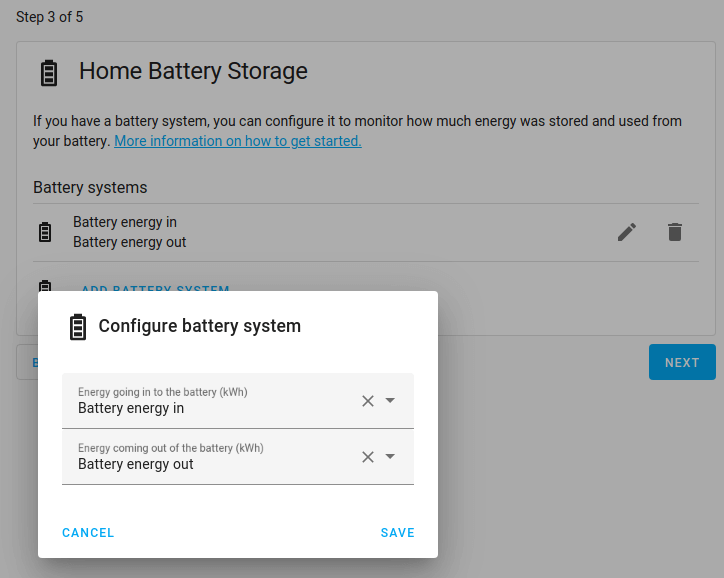
Select the battery energy in and out metrics.
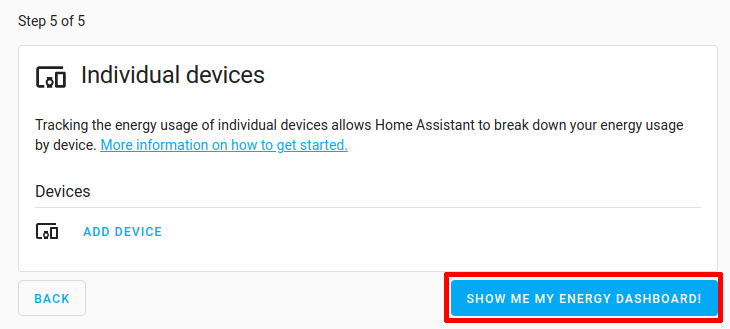
You can skip step 4 and 5 which is to select gas consumption and indivudual device metrics. Complete the wizard.