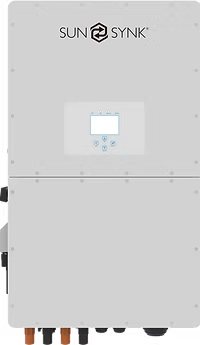
RS232 WiFi port
A USB serial cable can be plugged into WiFi RS232 port located on the bottom of the inverter. This is a normal USB serial cable available from most electronic stores.
When using this option, you will not be able to use the standard Deye/SunSynk/Sol-Ark dongle as the dongle can only be connected to this port.
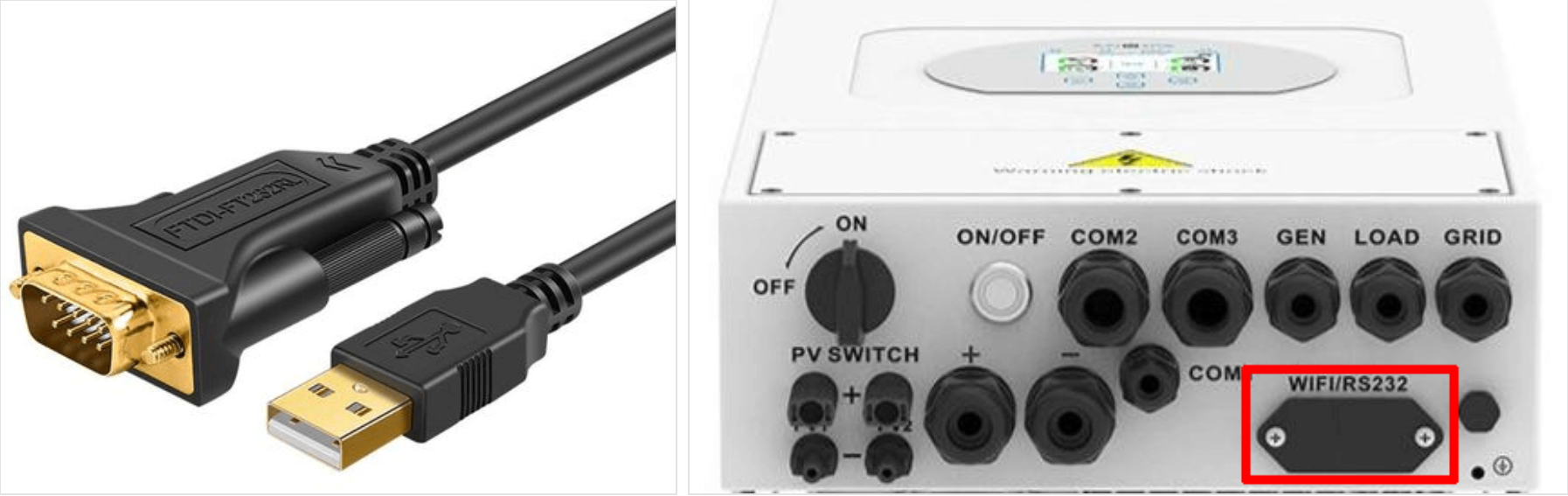
| Pin 2 | RX |
| Pin 3 | TX |
| Pin 5 | GND |
Steps in SolarAssistant
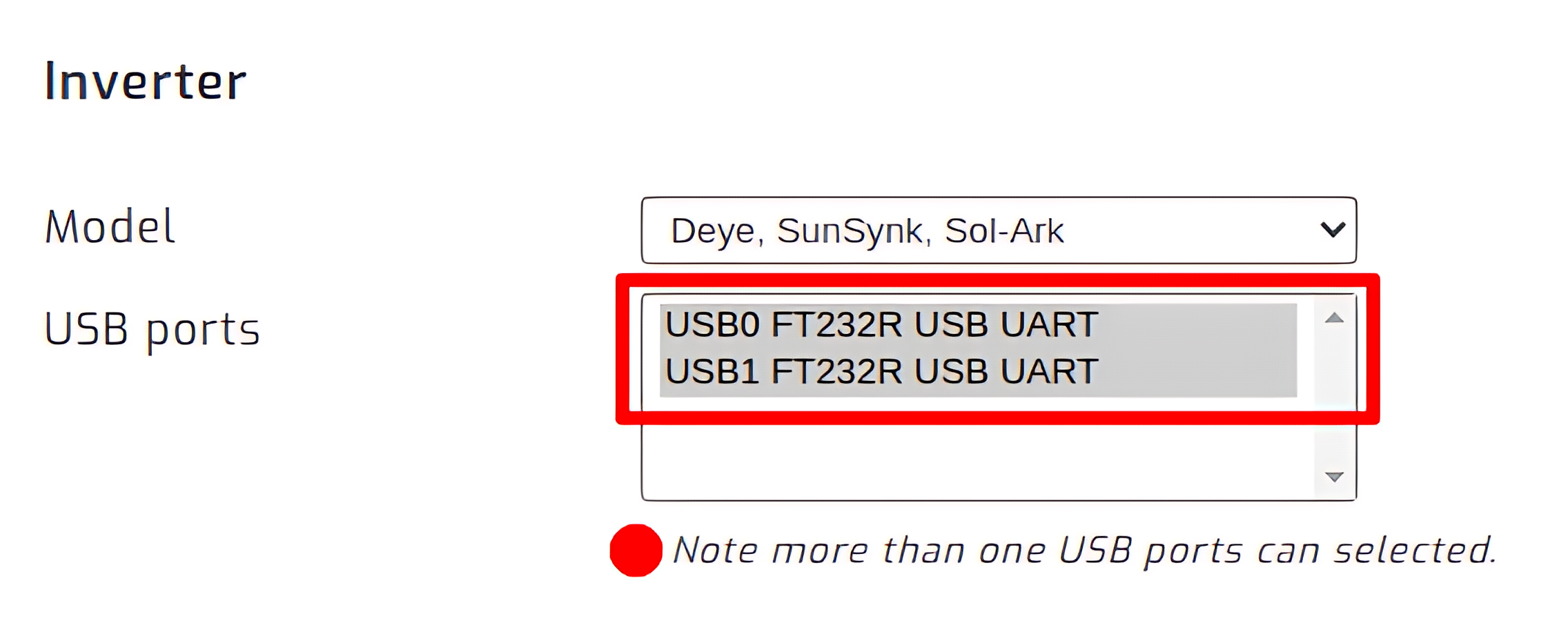
On the SolarAssistant configuration page, select "Deye, SunSynk, Sol-Ark" as your inverter model.
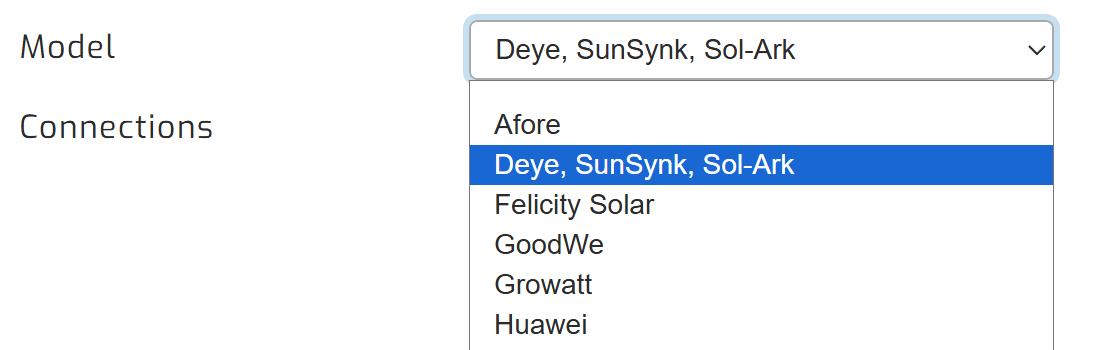
Select the USB port where your inverter is connected. If you have inverters, you need to multi-select multiple USB ports.
Click connect:
Parallel installations
With these inverters you will need to connect each inverter with its own cable.