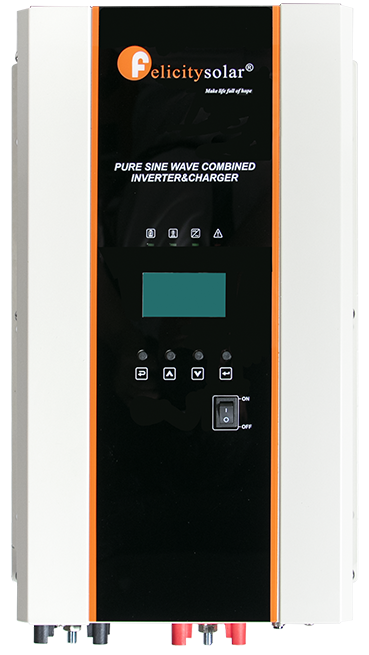
RS232/COM port
Use an RS232 cable cable plugged into the inverter port labelled "RS232" or "COM" which is located at the bottom of the inverter. You can read more about the communication chips we recommend using here, and the pin configuration below:
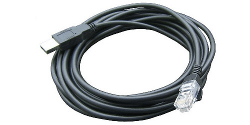
| Pin 1 | RX |
| Pin 2 | TX |
| Pin 8 | GND |

Steps in SolarAssistant
On the configuration page, select "Felicity Solar" as your inverter model.

Select the USB port(s) where you have Felicity Solar inverters connected.

Click connect:
Parallel installations
With these inverters you will need to connect each inverter with its own cable.